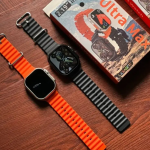







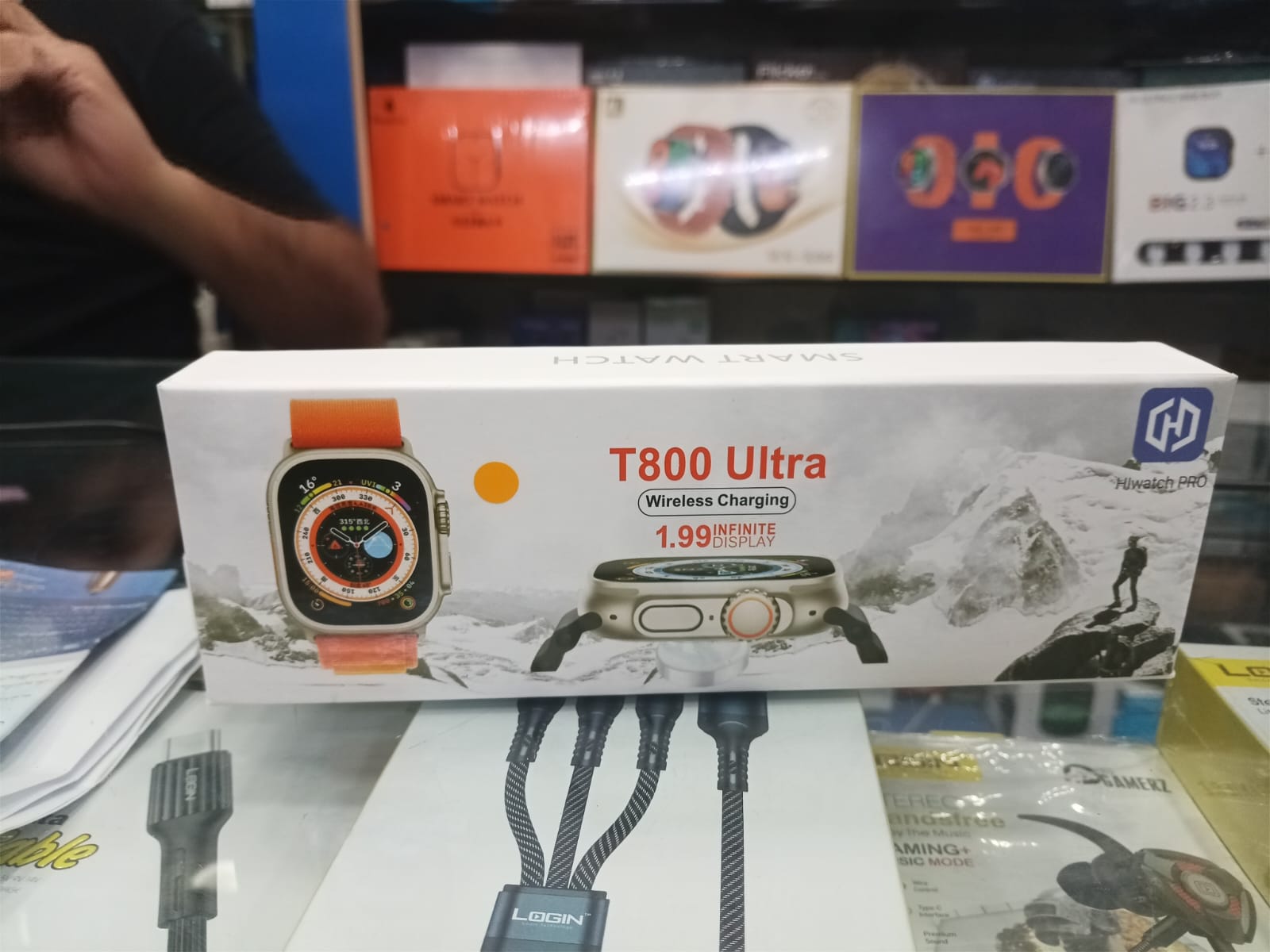
T800 Ultra Best Selling Smart Watch | Always on Display | BT Calling | Wireless Charging | Fitness Tacking
T800 Ultra Smart Watch: The Ultimate Wearable Companion
Stay connected and active with the T800 Ultra Smart Watch. Featuring an always-on display, Bluetooth calling, wireless charging, and advanced fitness tracking, this smartwatch is designed to keep up with your busy lifestyle.
Always-On Display: With its always-on display, the T800 Ultra ensures that you never miss a beat. Easily glance at your notifications, check the time, and track your fitness progress without needing to wake up the screen.
Bluetooth Calling: Stay connected on the go with Bluetooth calling functionality. Make and receive calls directly from your wrist, keeping you in touch with friends, family, and colleagues wherever you are.
Wireless Charging: Say goodbye to tangled cords and messy cables. The T800 Ultra features wireless charging, allowing you to power up your smartwatch effortlessly and conveniently.
Fitness Tracking: Track your fitness journey with precision accuracy. From step counting to heart rate monitoring, the T800 Ultra helps you stay motivated and informed about your health and wellness goals.
Experience the convenience and functionality of the T800 Ultra Smart Watch. With its best-selling status and comprehensive features, it's the perfect companion for modern living.
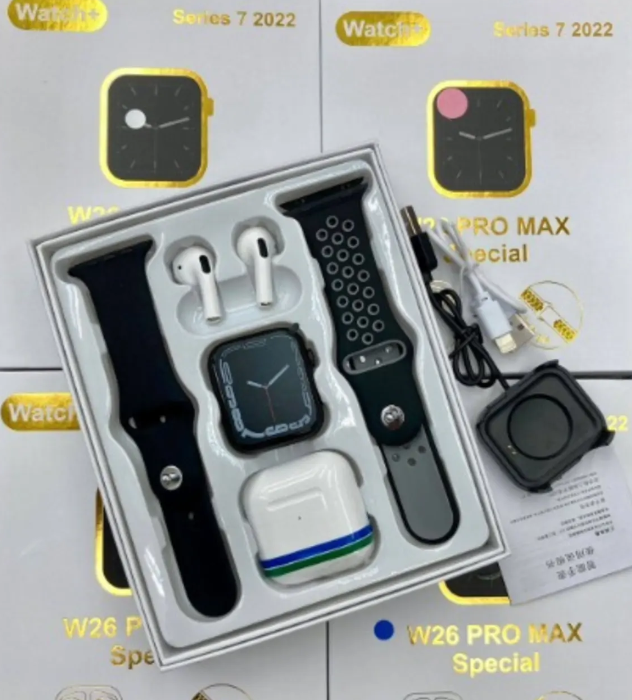
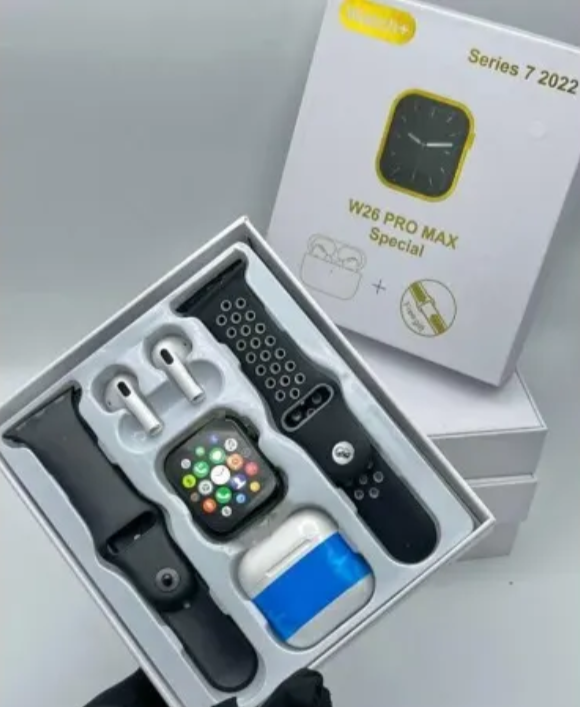
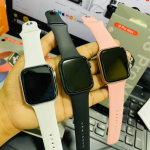
W26 Pro Max Series 8 Smart Watch With Bluetooth Earpod Special Edition
One of the amazing fact about this watch is that it comes with an extra STRAP
First, Supports both Android and IOS. However, the adaptation platform supports Version 4.2and above for Androids*
Bluetooth BT4.0
Second, preparation before use For the first time, please make sure that the Smart Watch is fully charged. If the Watch cannot be turned on, please charge it first.
Third, APP download method Generally, you can download the Android app by search "HryFine" In the app market (Google Playstore or Apple Store) the QR code, and the IOS version can download by scan th QR code Fourth, the use of binding • Press and hold the Hand Ring touch button to turn on the phone, please make sure the phone is Bluetooth enabled (Android needs to turn on GPS)